Lesson 20: Layering Your Beat — Melody, Effects & Mixing 1 / 10
100%

Layering Your Beat

Capas en Tu Ritmo
Melody, Effects & Mixing
Melodía, Efectos y Mezcla
Thursday, March 5, 2026 • General Music • Mr. Mbagwu
Unit 4: Music Technology & Production
← L19: Drum Kit & Beat Building L21: Beat Refinement →
DO NOW 3 Minutes • While Chromebooks Distribute
03:00

What Gives a Beat Its Personality?

¿Qué Le Da Personalidad a un Ritmo?
You’ve built drums and bass already. Your beat has rhythm and weight. But something is still missing.

On your paper, write: What sound would give your beat its own personality? (Think: piano, synth, guitar, vocal sample, pad…)

Hint: Listen to your favorite song in your head. What sound makes it memorable besides the drums and bass?
Ya construiste batería y bajo. Tu ritmo tiene ritmo y peso. Pero algo todavía falta.
En tu papel, escribe: ¿Qué sonido le daría personalidad propia a tu ritmo? (Piensa: piano, sintetizador, guitarra, muestra vocal…)
Pista: Escucha tu canción favorita en tu cabeza. ¿Qué sonido la hace memorable?

I Can…

Yo Puedo…

Your Beat So Far

Tu Ritmo Hasta Ahora

🥁 Drums

Batería

DONE (L18-L19)

Kick, snare, hi-hat pattern. The foundation of your beat.

Patrón de kick, snare, hi-hat. La base de tu ritmo.

🎸 Bass

Bajo

DONE (L19)

808 or bass loop that locks with your kick. Adds weight and groove.

Loop de 808 o bajo que se sincroniza con tu kick. Añade peso y groove.

🎹 Melody

Melodía

TODAY!

Piano, synth, guitar, or vocal sample that gives your beat its personality.

Piano, sintetizador, guitarra o muestra vocal que le da a tu ritmo su personalidad.

Today’s focus: Add a melody that fits your beat, then use the mixer to balance everything, and try at least one effect. Mr. Mbagwu will demo this live on the SmartBoard.

Enfoque de hoy: Agrega una melodía que encaje con tu ritmo, luego usa el mezclador para equilibrar todo, y prueba al menos un efecto.

Adding a Melody Track

Agregando una Pista de Melodía

1 Browse Loops

Explorar Loops

Click + Add TrackLoops → Search: “melody”, “piano”, “keys”, or “synth”. Preview before choosing!

Busca: “melody”, “piano”, “keys”, o “synth”. ¡Escucha antes de elegir!
Soundtrap Sound Packs & Loops Browser

2 Match the Mood

Combina el Estado de Ánimo

Your melody should fit the vibe of your drums + bass. Dark beat? Dark melody. Bouncy beat? Bright melody. If it clashes, try another loop.

Tu melodía debe encajar con la vibra de tu batería + bajo. Si choca, prueba otro loop.
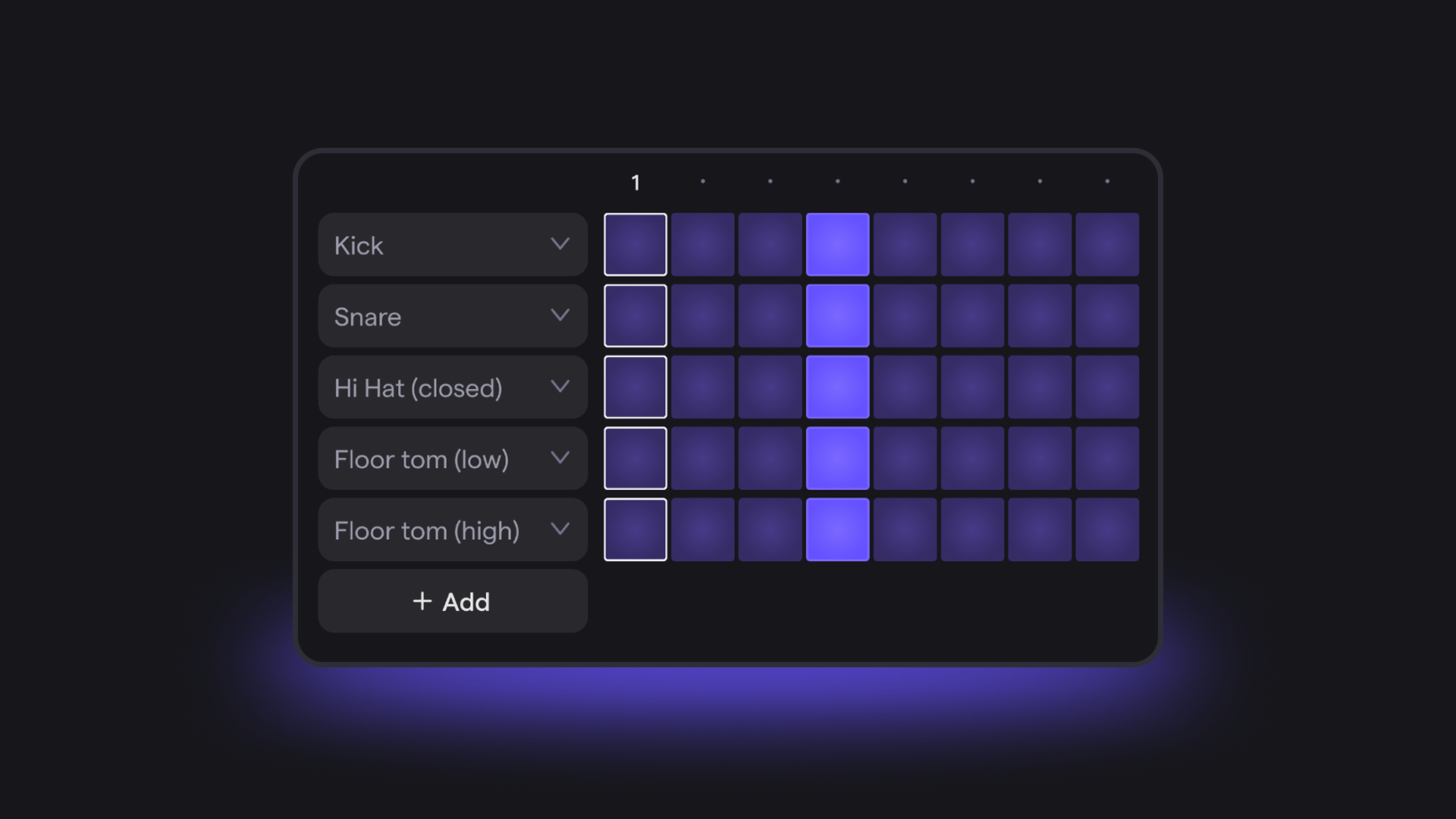
Soundtrap Patterns Beatmaker — Loop Creation Interface

3 Place & Extend

Coloca y Extiende

Drag the melody to your timeline at bar 1. Copy & paste to extend it across your beat. Leave space for variation if you want.

Arrastra la melodía a tu línea de tiempo en el compás 1. Copia y pega para extenderla.

Pro Tip

Consejo Pro

Search for a sound pack (like “Trunk” or “Memphis”) — they include matching melody loops designed to work together.

Busca un paquete de sonido (como “Trunk” o “Memphis”) — incluyen loops de melodía que combinan.
Mixing & Effects

Mezcla y Efectos

4 Open the Mixer

Abre el Mezclador

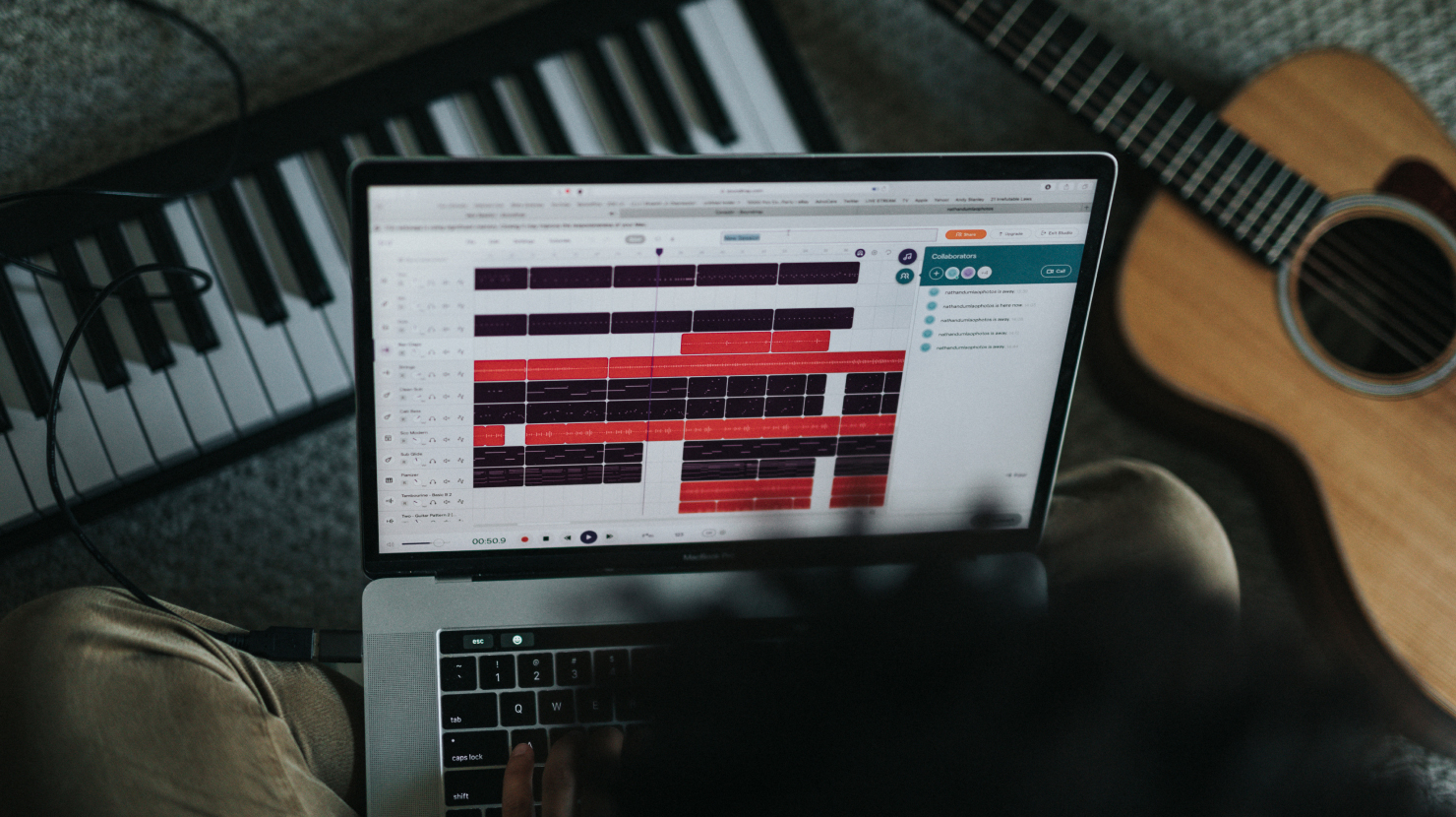
Click the speaker icon (top right). You’ll see volume sliders for each track. Set levels:
Drums loudest → Bass next → Melody slightly lower.

Haz clic en el ícono de altavoz. Establece niveles: Batería más fuerte → Bajo → Melodía más baja.
Soundtrap Multi-Track Mixer — Volume Levels

5 Add an Effect

Agrega un Efecto

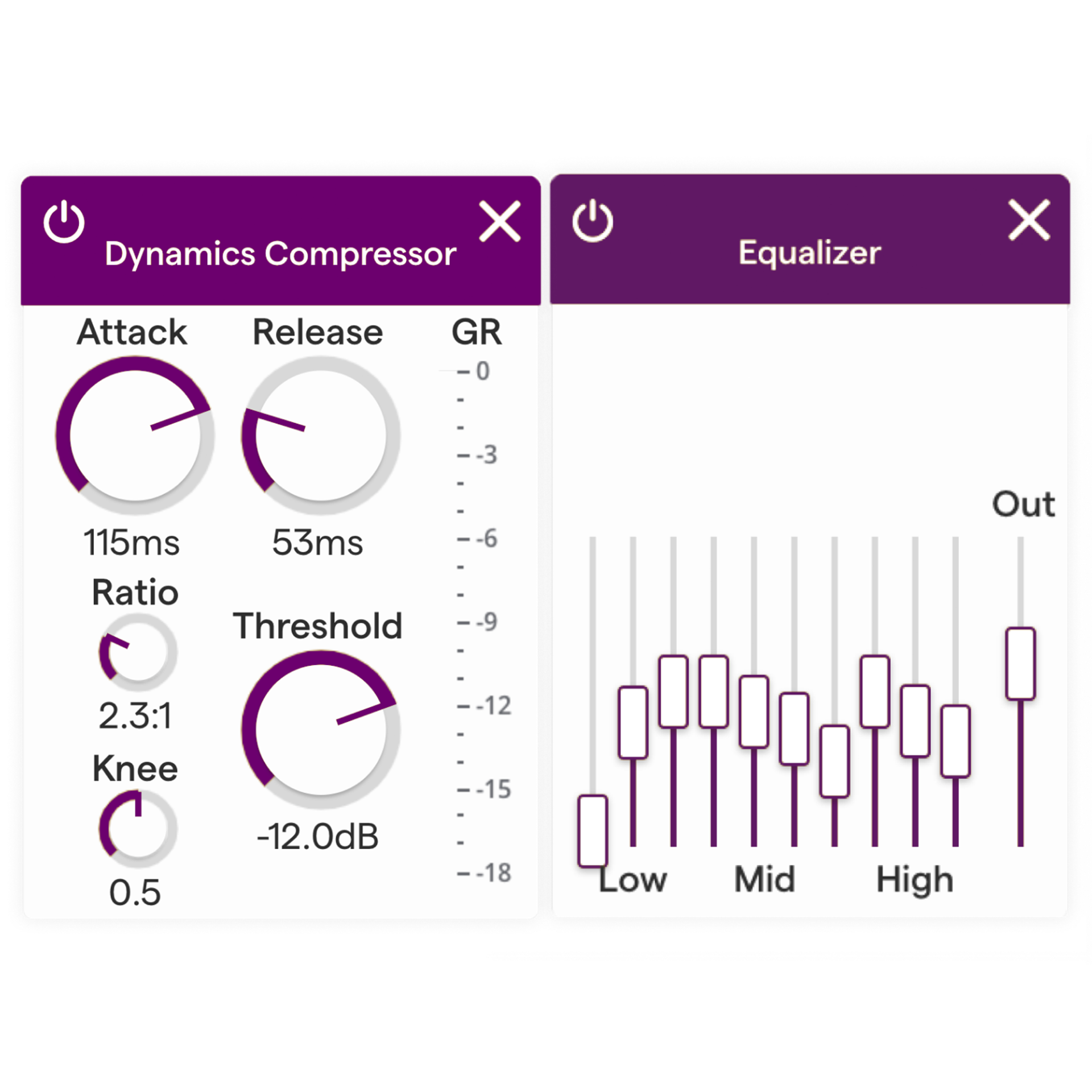
Click the FX button on your melody track. Try:
Reverb (adds space) • EQ (shapes tone) • Compression (adds punch). Start subtle!

Haz clic en el botón FX. Prueba: Reverb (espacio) • EQ (tono) • Compresión (potencia).
Soundtrap EQ & Compressor Effects Panel

Key Rule

Regla Clave

Less is more. 3–4 well-mixed tracks sound better than 10 tracks fighting. If something clashes, remove it. Real producers cut more than they add.

Menos es más. 3–4 pistas bien mezcladas suenan mejor que 10 pistas peleando.

6 Save!

¡Guarda!

Rename your project to “Beat_[YourName]” and save. Soundtrap auto-saves, but hit Ctrl+S to be safe.

Renombra tu proyecto a “Beat_[TuNombre]” y guarda. Presiona Ctrl+S para asegurarte.

Complete Your Beat

Completa Tu Ritmo

Today’s Checklist

1
Open Soundtrap → your project with drums + bass from L19
2
Add a MELODY track (loop or instrument) that fits the mood
3
Open the Mixer — balance all track volumes
4
Try at least ONE effect on any track (Reverb, EQ, Compression)
5
Rename to “Beat_[YourName]”Save

Minimum Requirements

  • 3 tracks minimum (Drums + Bass + Melody)
  • Volume balanced using the Mixer
  • 1 effect applied to any track
  • 4+ bars • BPM 85–100
  • Title: “Beat_[YourName]”

Level Up (Extra Credit)

  • Add a 4th track (vocal chop, FX hit, or pad)
  • Create a section change (intro → verse)
  • Try volume automation (fade in/out)
📚 Submit on Google Classroom

Production Time

Tiempo de Producción
20:00

Headphones ON • Volume reasonable • Stay in Soundtrap
Add melody, mix your levels, apply effects.
Mr. Mbagwu is circulating. Raise your hand if you need help.

Audífonos PUESTOS • Volumen razonable • Quédate en Soundtrap
Agrega melodía, mezcla tus niveles, aplica efectos.
El Sr. Mbagwu está circulando. Levanta la mano si necesitas ayuda.
📚 Submit on Google Classroom
EXIT TICKET 4 Points • Classwork (40%)
04:00
Q1 — Melody Choice (2 Points)

What melody sound did you choose for your beat? Why does it fit the mood of your drums and bass?

¿Qué sonido de melodía elegiste? ¿Por qué encaja con el estado de ánimo de tu batería y bajo?

2 pts: Names specific sound with clear reasoning about mood/fit

1 pt: Vague (“I picked a piano because it sounded good”)

0 pts: No response or off-topic

Q2 — Mixing & Effects (2 Points)

How did you balance your mix? Which track is loudest and why? Name one effect you used and what it did to the sound.

¿Cómo equilibraste tu mezcla? ¿Qué pista es la más fuerte y por qué? Nombra un efecto que usaste y qué le hizo al sonido.

2 pts: Describes mix balance + names effect with specific impact

1 pt: Partial answer (mix OR effect, not both)

0 pts: No response or off-topic

Multiple means of expression: Written • Verbal share with Mr. Mbagwu • Audio recording
📚 Submit on Google Classroom

Coming Up Next

Próximamente
Tomorrow: Independent work day with a substitute teacher. You’ll have the full class period to refine, polish, and perfect your beat. Make sure your project is SAVED!
Mañana: Día de trabajo independiente con un maestro sustituto. Tendrás el período completo para refinar y perfeccionar tu ritmo. ¡Asegúrate de que tu proyecto esté GUARDADO!
Use the refinement checklist tomorrow to make every track shine. The skills you’ve built this week — drums, bass, melody, mixing — will carry forward.
“Whatever you do, work at it with all your heart, as working for the Lord, not for human masters.”
— Colossians 3:23
← L19: Drum Kit & Beat Building L21: Beat Refinement →
×
navigate • F fullscreen • + zoom • Click images to enlarge